Table of Contents
I have a referral code, but I’m not sure where to enter it.
- Navigate to https://rp.app/subscribe.
- Either create an account, or, if you already have an account, click or tap on “Already have an account?”.
Note: If you already have an account, make sure not to create any duplicate accounts. If you choose to Sign in with Apple, you will need to make sure that you use that method every time you sign in, as this will create a new account with a secure email. Duplicate accounts may result in duplicate charges.
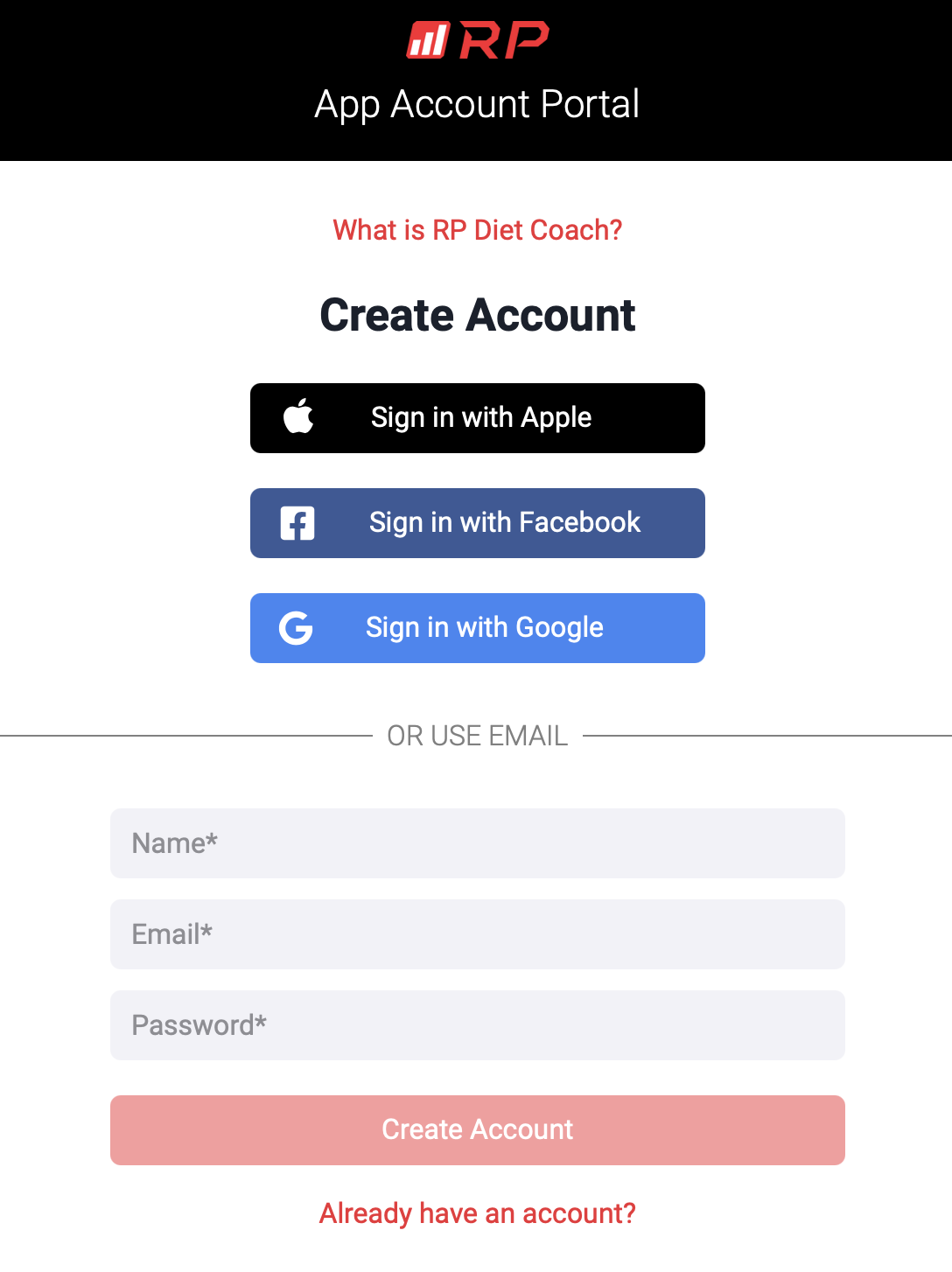
- Once signed in, you should see the following screen. Type in your referral code in the gray referral code box and click or tap on “Save Referral Code”.
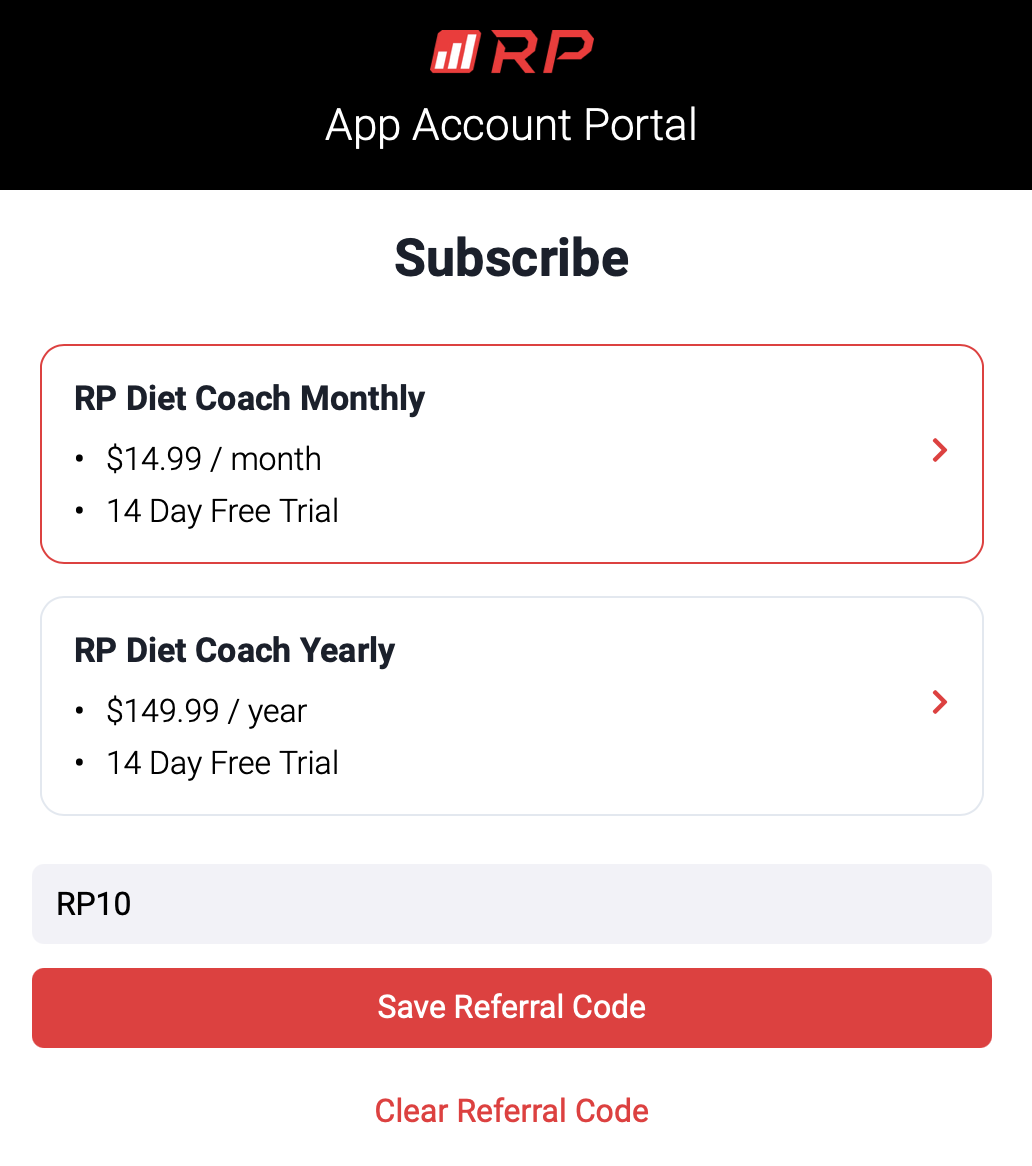
- At this point, you will be able to select the appropriate subscription. Please make sure to select the correct discounted subscription.
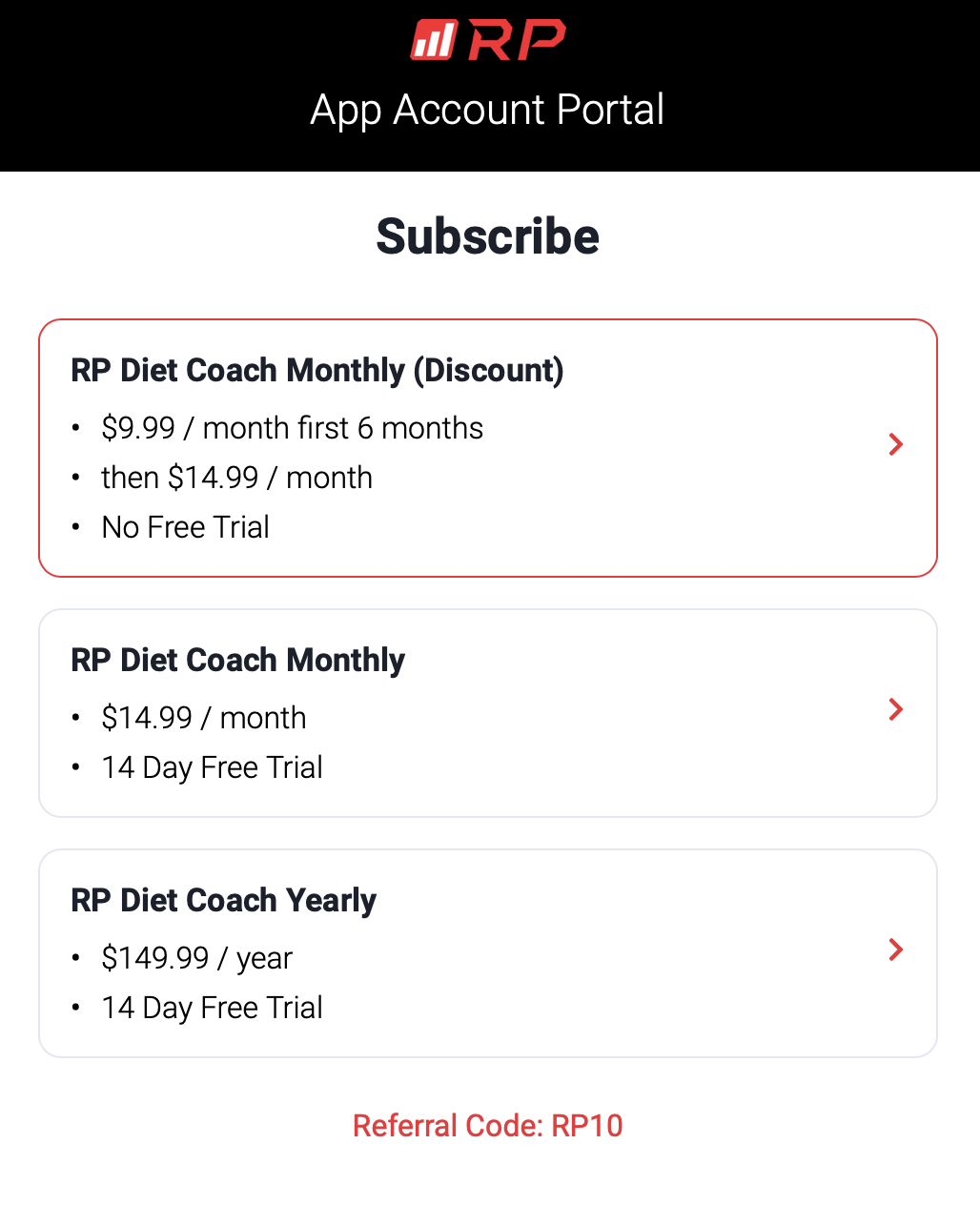
If you accidentally subscribed to a full price subscription, or if you subscribed without entering a referral code, and would like to take advantage of the offer, check out the next FAQ entry!
I entered a referral code, but was still charged full price!
There are some instances where users may experience an issue where they entered a referral code, but got charged a full price. There are also instances when users forget to enter a code or enter it in a wrong window or page.
Oftentimes, users accidentally select a full price subscription after entering a referral code. After entering a referral code, as you can see from the screenshot, the referral discount price is listed on the screen along with the 2 or more regular price options. So users may select the non-referral price.
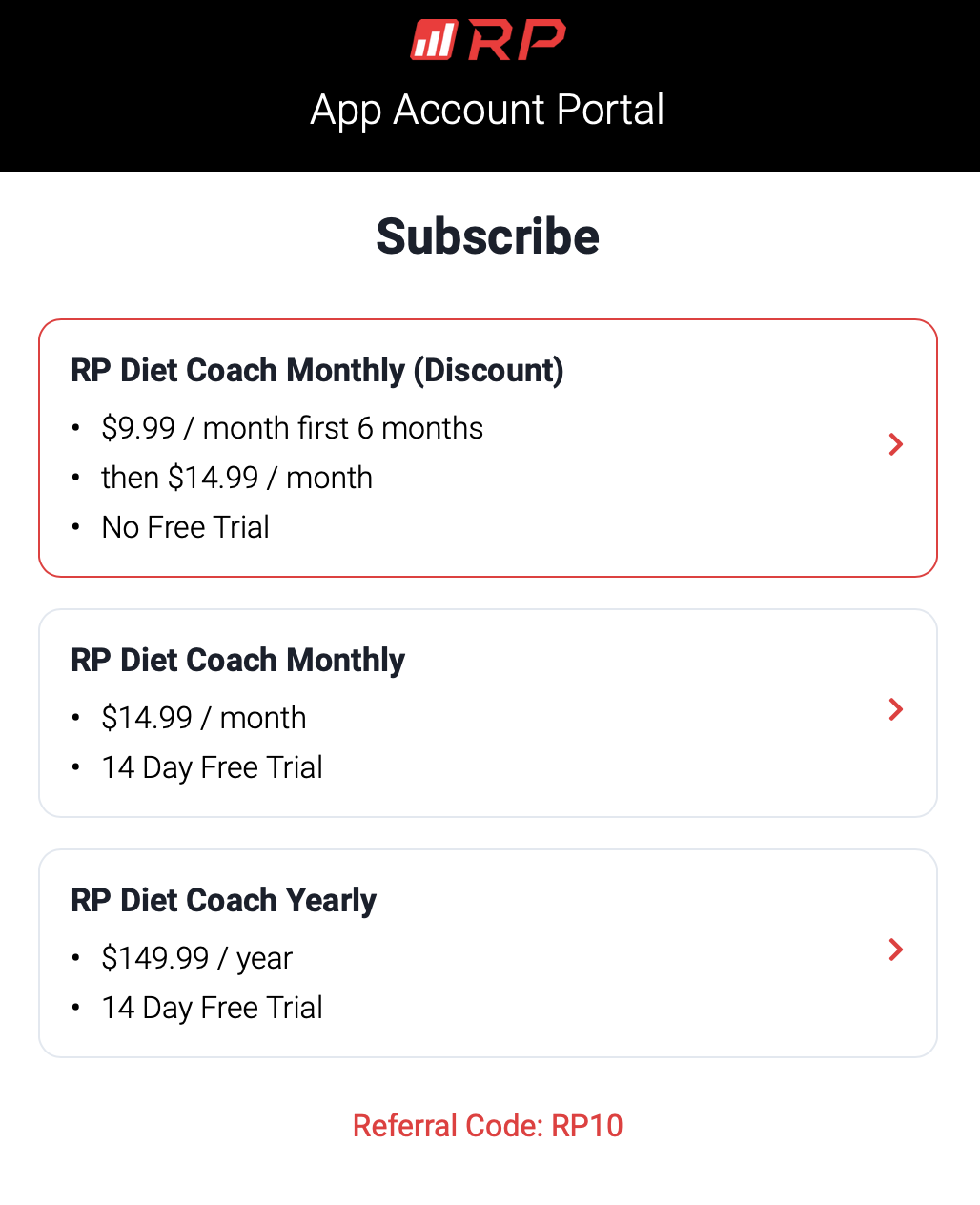
In order to get this resolved, the regular priced subscription needs to be cancelled, and a new one must be started when the trial period is over.
Note: $9.99/month for 6 month promotion may only be redeemed once.
For Cancellation instructions, see How do I cancel my Stripe subscription?.